

Snapchat is one of the most popular messaging apps, especially among people who enjoy sharing quick photos, videos, and private conversations. While the app is designed with privacy in mind, there are times when you may want to keep certain chats away from your main conversation list.
Maybe you’re planning a surprise for someone, discussing personal matters, or simply want to keep your inbox organized. Whatever the reason, hiding a chat can help protect your privacy without deleting important conversations.
The good news is that Snapchat offers a few built-in features that can help you make your chats less visible. Although there isn’t a direct “Hide Chat” button like some other messaging apps, there are several simple methods that achieve a similar result.
In this guide, you’ll learn how to hide chats in Snapchat step by step, understand what each method does, and discover a few privacy tips to keep your conversations safe.
Table of Contents
Why Do People Want to Hide Chats on Snapchat?
Everyone has different reasons for wanting a little extra privacy. Hiding a chat doesn’t always mean someone has something to hide. Often, it’s simply about protecting personal conversations.
Some common reasons include:
- Keeping private conversations away from friends or family who occasionally use your phone.
- Planning birthday surprises or special events.
- Avoiding clutter by removing inactive conversations from the chat screen.
- Protecting work-related or personal discussions.
- Maintaining privacy while sharing a phone with siblings or roommates.
In today’s digital world, privacy is important. Just as people lock their phones or use passwords, hiding chats is another way to keep personal information secure.
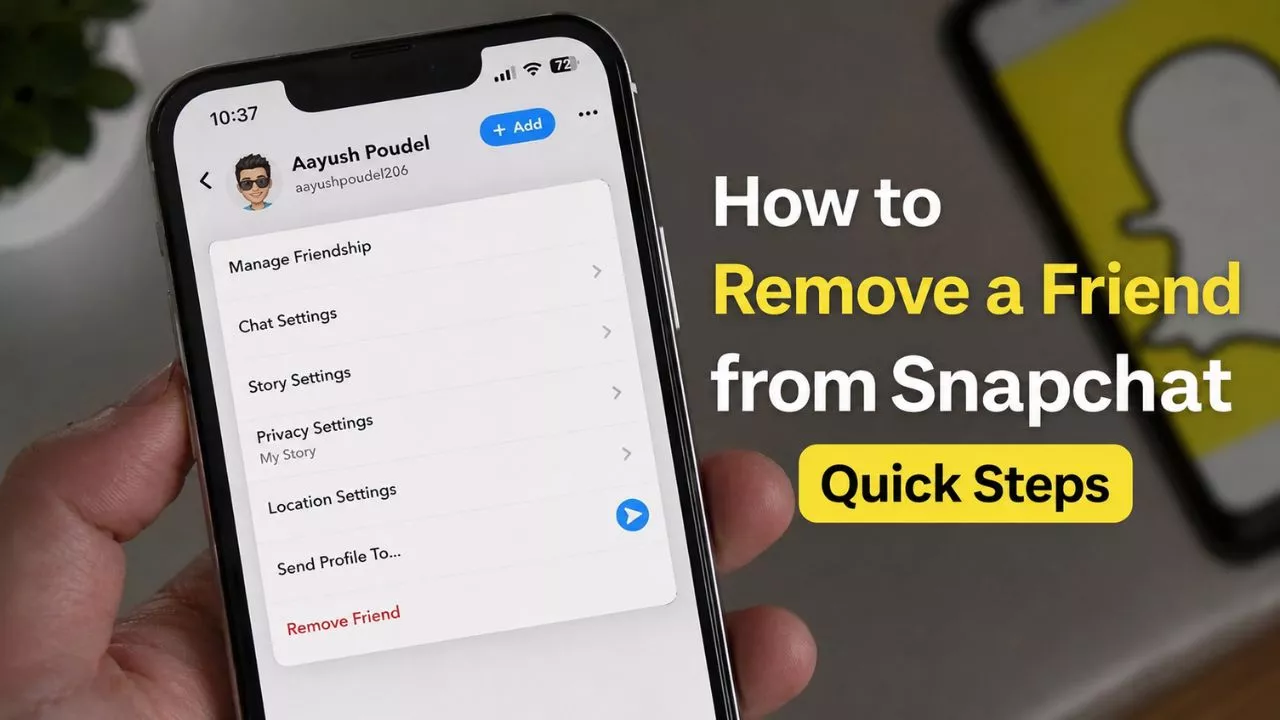
Read Also – How to Remove a Friend from Snapchat Quick Steps
Can You Hide a Chat in Snapchat?
The answer is yes but not in the traditional way.
Snapchat currently doesn’t have a dedicated feature called “Hide Chat.” However, you can make conversations less visible by using several built-in privacy options.
These options include:
- Clearing a conversation from the chat feed.
- Changing message deletion settings.
- Pinning other chats above important conversations.
- Locking your phone or using an app lock.
- Managing saved messages carefully.
These methods don’t permanently delete your conversation. Instead, they help keep it out of immediate view while still allowing you to continue chatting later.
Best Ways to Hide Chats on Snapchat
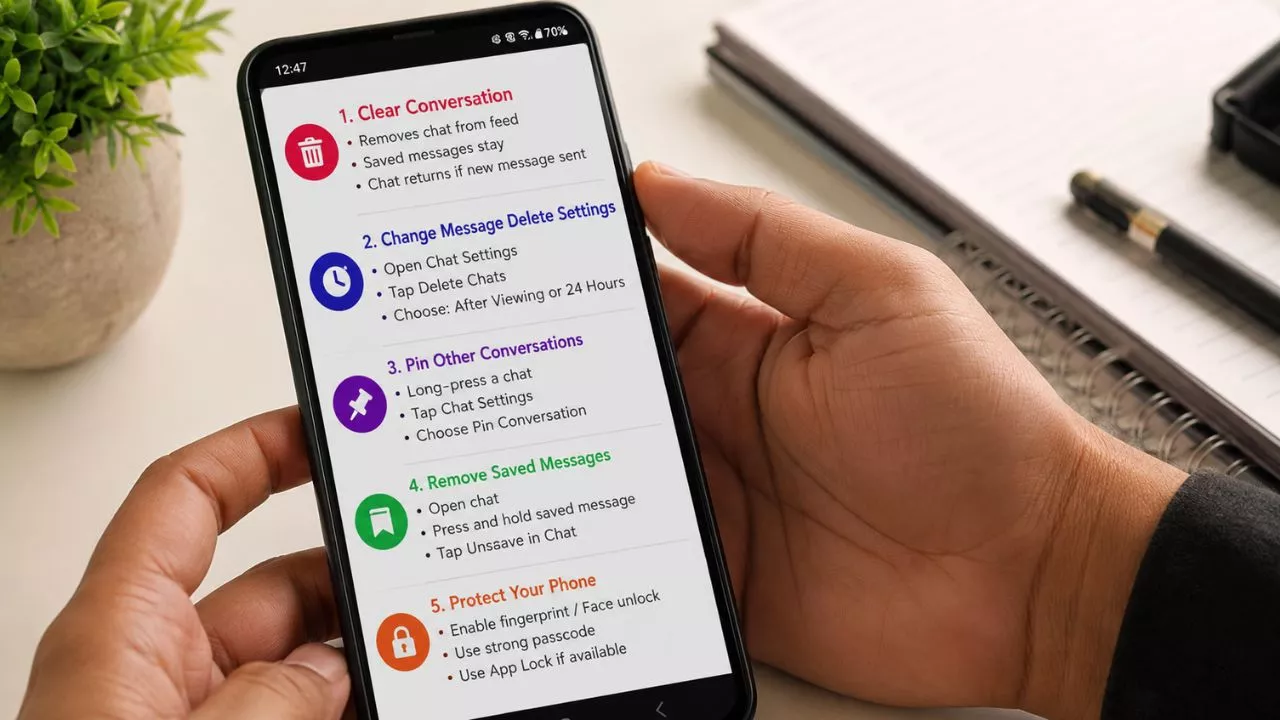
Method 1: Clear the Conversation from Your Chat Feed
This is the easiest and most effective option for most users.
Steps:
- Open Snapchat.
- Tap the Chat icon.
- Tap your Profile in the top-left corner.
- Tap the Settings icon.
- Scroll down to Privacy Controls.
- Select Clear Conversations.
- Find the friend’s name.
- Tap the X beside their name.
- Confirm the action.
What happens?
- The chat disappears from your chat list.
- Saved messages remain available.
- The conversation returns if either person sends a new message.
This method is perfect if you simply want a cleaner chat screen.
Method 2: Change Message Delete Settings
You can also reduce visible chat history by adjusting how long messages stay.
Steps:
- Open the conversation.
- Tap the friend’s profile.
- Select Chat Settings.
- Tap Delete Chats.
- Choose:
- After Viewing
- 24 Hours After Viewing
Selecting After Viewing automatically removes messages after they’re seen unless they’re saved.
Method 3: Pin Other Conversations
Although Snapchat doesn’t let you hide a chat directly, you can make it less noticeable.
Steps:
- Long-press another conversation.
- Tap Chat Settings.
- Choose Pin Conversation.
Pinned chats stay at the top, pushing other conversations lower in your chat list.
Method 4: Remove Saved Messages
Sometimes saved messages make old conversations stand out.
Steps:
- Open the chat.
- Find the saved message.
- Press and hold it.
- Tap Unsave in Chat.
Once unsaved, messages follow your selected deletion settings.
Method 5: Protect Your Phone with a Screen Lock
The simplest privacy feature often gets ignored.
Enable:
- Fingerprint lock
- Face unlock
- Strong passcode
- App Lock (if supported by your phone)
Even if someone picks up your phone, they won’t easily access your Snapchat conversations.
Read Also – How to See Mutual Friends in Snapchat (Complete Guide)
Common Mistakes to Avoid
Many users accidentally make changes they didn’t intend while trying to hide chats.
Here are a few mistakes to avoid:
1. Confusing Clear Conversation with Delete Friend
Clearing a conversation only removes it from your chat list.
Deleting a friend removes them from your friend list.
These are completely different actions.
2. Thinking the Chat Is Permanently Hidden
If either person sends a new message, the conversation will appear again.
3. Forgetting About Saved Messages
Saved messages remain inside the conversation even after clearing it.
If privacy is important, review saved messages first.
4. Sharing an Unlocked Phone
Even if chats are hidden, anyone with access to your unlocked phone can still open Snapchat.
Always use a secure lock screen.
5. Using Unknown Third-Party Apps
Some websites promise hidden Snapchat features.
Avoid them.
Using unofficial apps can put your account at risk and may violate Snapchat’s policies.
Tips to Keep Your Snapchat Chats More Private
Protecting your conversations doesn’t require complicated settings.
These simple habits make a big difference:
- Enable fingerprint or Face ID security.
- Keep Snapchat updated.
- Review privacy settings regularly.
- Clear old conversations you no longer need.
- Avoid saving sensitive messages unless necessary.
- Don’t share your phone password with others.
- Log out from devices you no longer use.
- Be careful when someone asks to borrow your phone.
Good privacy habits are often more effective than relying on hidden features.
Conclusion
Keeping your Snapchat conversations private doesn’t have to be difficult. While the app doesn’t include a dedicated hide chat option, it offers several practical tools that help you manage your conversations more discreetly.
Clearing conversations, adjusting message deletion settings, removing saved messages, and securing your phone are all effective ways to improve your privacy without deleting important chats.
The best method depends on what you’re trying to achieve. If you simply want a cleaner chat list, clearing conversations is usually enough. If privacy is your main concern, combining Snapchat’s built-in features with a strong phone lock provides much better protection.
By using these simple techniques, you can enjoy Snapchat with greater peace of mind while keeping your personal conversations exactly where they belong private.