
If you’re wondering How to Unblock Someone on Snapchat, you’re not alone. Many people block someone during an argument, because of a misunderstanding, or simply to take a break from a conversation. Sometimes, it even happens by accident.
The good news is that Snapchat allows you to unblock someone whenever you feel ready. Whether you want to reconnect with a friend, fix a mistake, or simply move on from an old situation, the process is quick and easy.
In this guide, you’ll learn how to unblock someone on Snapchat step by step, what happens after you unblock them, and how to add them back if you want to reconnect.
Table of Contents
Why Do People Block Someone on Snapchat?
People block others on Snapchat for many different reasons, and not all of them are permanent.
Sometimes, an argument or misunderstanding leads to an emotional decision. Blocking someone can give both people time to calm down and think clearly. In other situations, users block someone to avoid unwanted messages or protect their privacy.
Accidental blocks are also common. A few taps on the screen can block the wrong person without you realizing it.
For many users, blocking isn’t meant to end a friendship forever. It’s simply a way to create some space until they feel comfortable talking again.
Can You Unblock Someone on Snapchat?
Yes, you can unblock someone on Snapchat at any time.
The process only takes a few moments, and you don’t need the other person’s permission to do it. However, there are a few things you should know before unblocking someone.
When you unblock a person, they won’t automatically be added back to your friends list. If you want to reconnect, you’ll usually need to send them a new friend request. Also, previous chats, deleted messages, or lost Snap Streaks may not come back.
Before unblocking someone, take a moment to decide whether you’re ready to reconnect. If the situation has improved, unblocking can be a simple way to move forward.
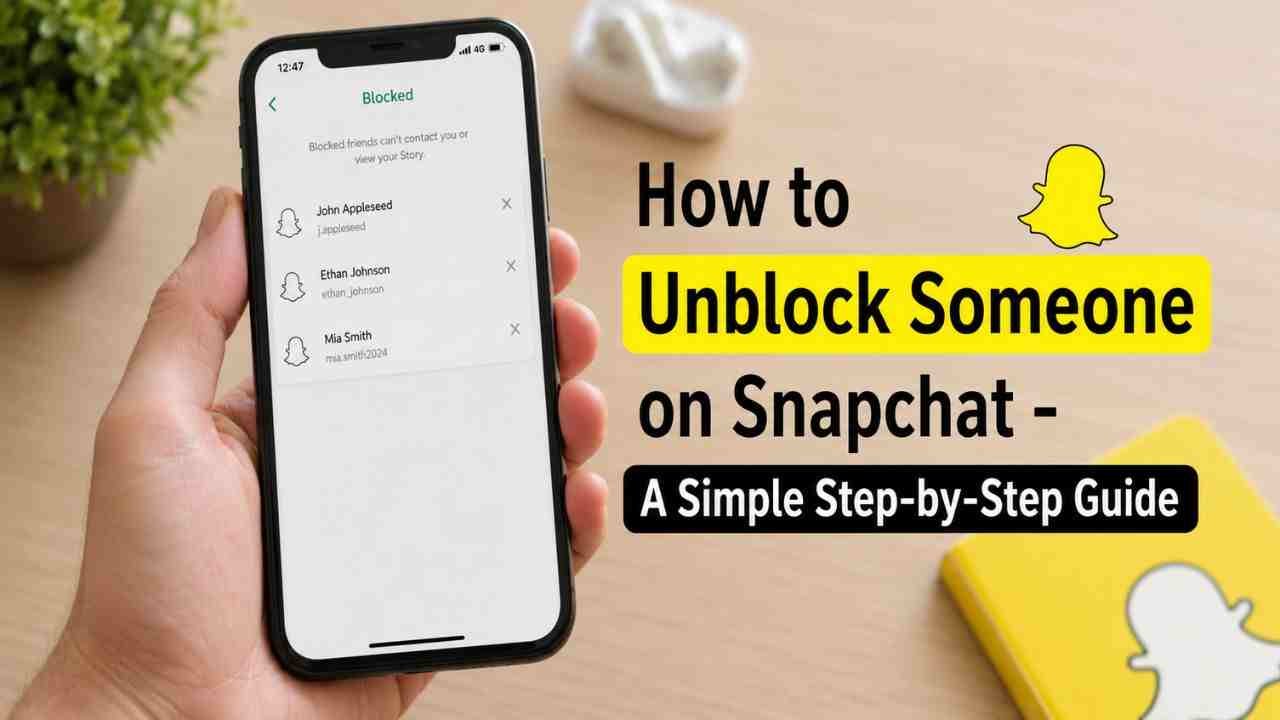
How to Unblock Someone on Snapchat (Step-by-Step)
If you’re ready to unblock someone, just follow these simple steps:-
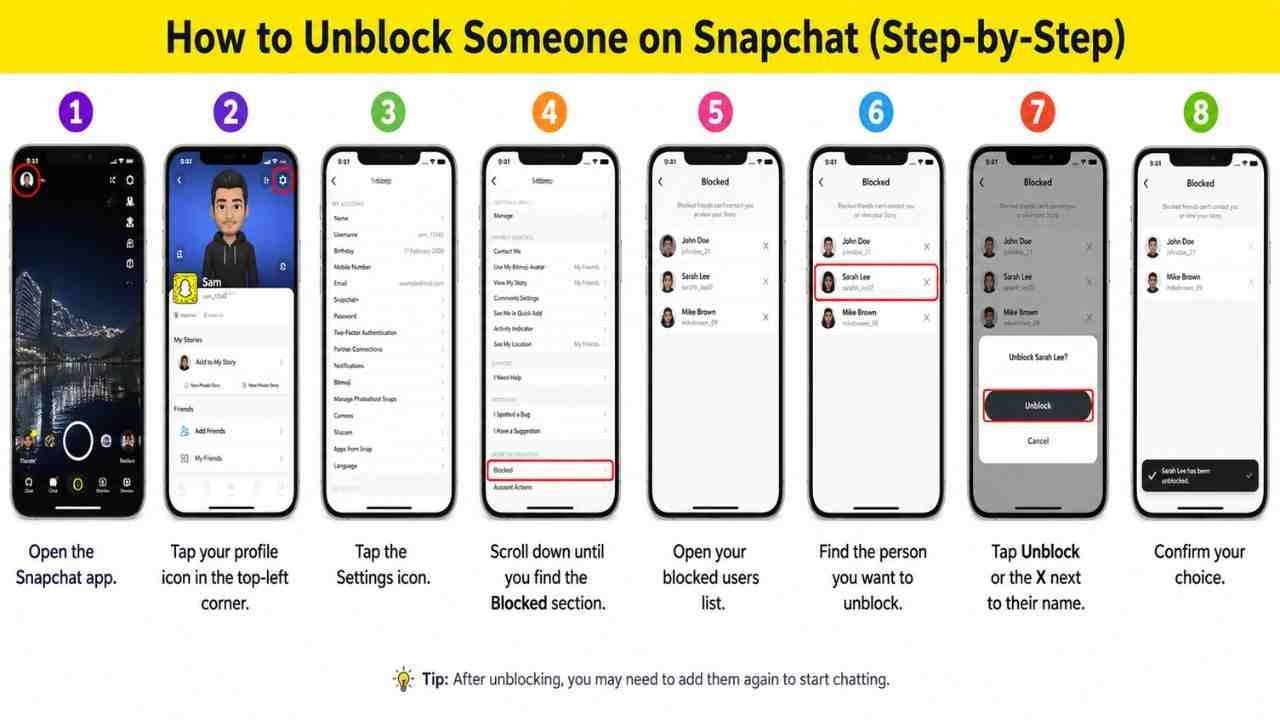
- Open the Snapchat app.
- Tap your profile icon in the top-left corner.
- Tap the Settings icon.
- Scroll down until you find the Blocked section.
- Open your blocked users list.
- Find the person you want to unblock.
- Tap Unblock or the X next to their name.
- Confirm your choice.
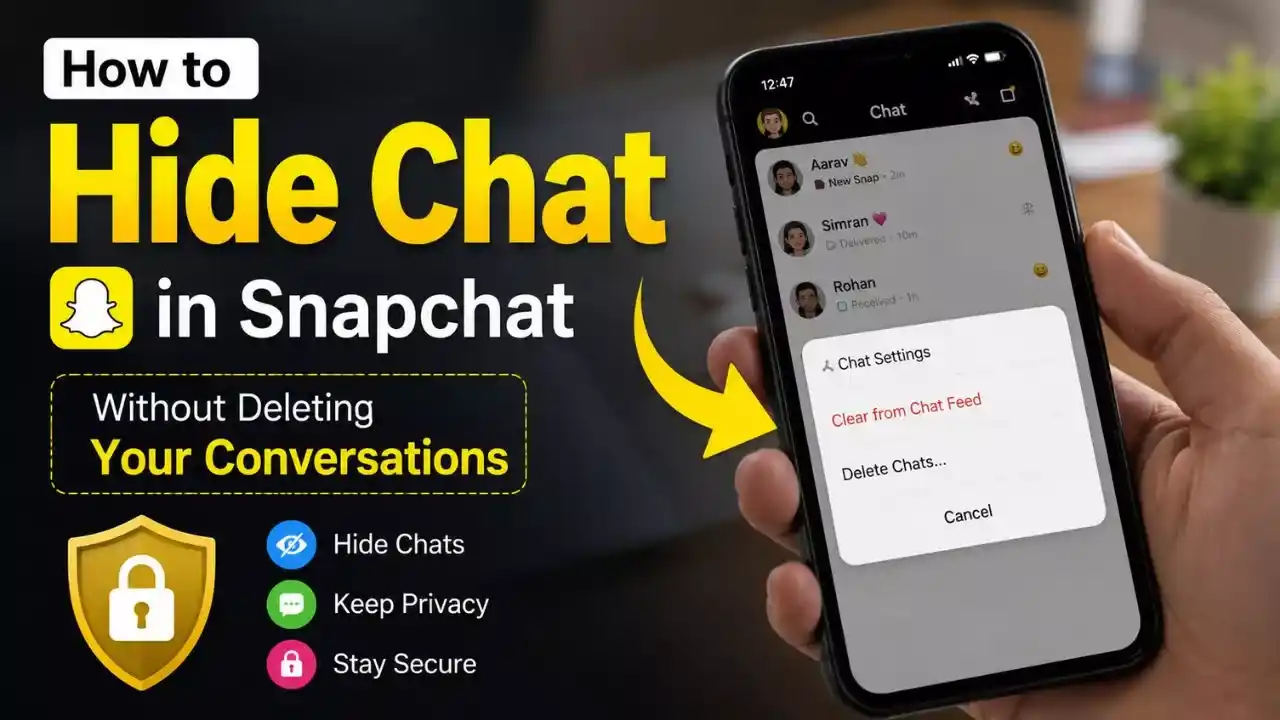
Read Also – How to Hide Chat in Snapchat Without Deleting Your Conversations
That’s all it takes.
If you want to become friends again, search for their username and send a friend request. They’ll need to accept it before you can exchange Snaps and messages again.
What Happens After You Unblock Someone?
After you unblock someone on Snapchat, a few things change, but everything doesn’t go back to the way it was automatically.
Snapchat does not usually notify the other person that you’ve unblocked them. However, if you send them a friend request or message later, they may realize it.
You also won’t become friends again automatically. In most cases, you’ll need to add each other again.
Keep in mind that old chats, deleted messages, and lost Snap Streaks generally cannot be restored after unblocking.
If you’re reconnecting with someone, it’s always better to be patient and respectful. Give them time to respond if they choose to.
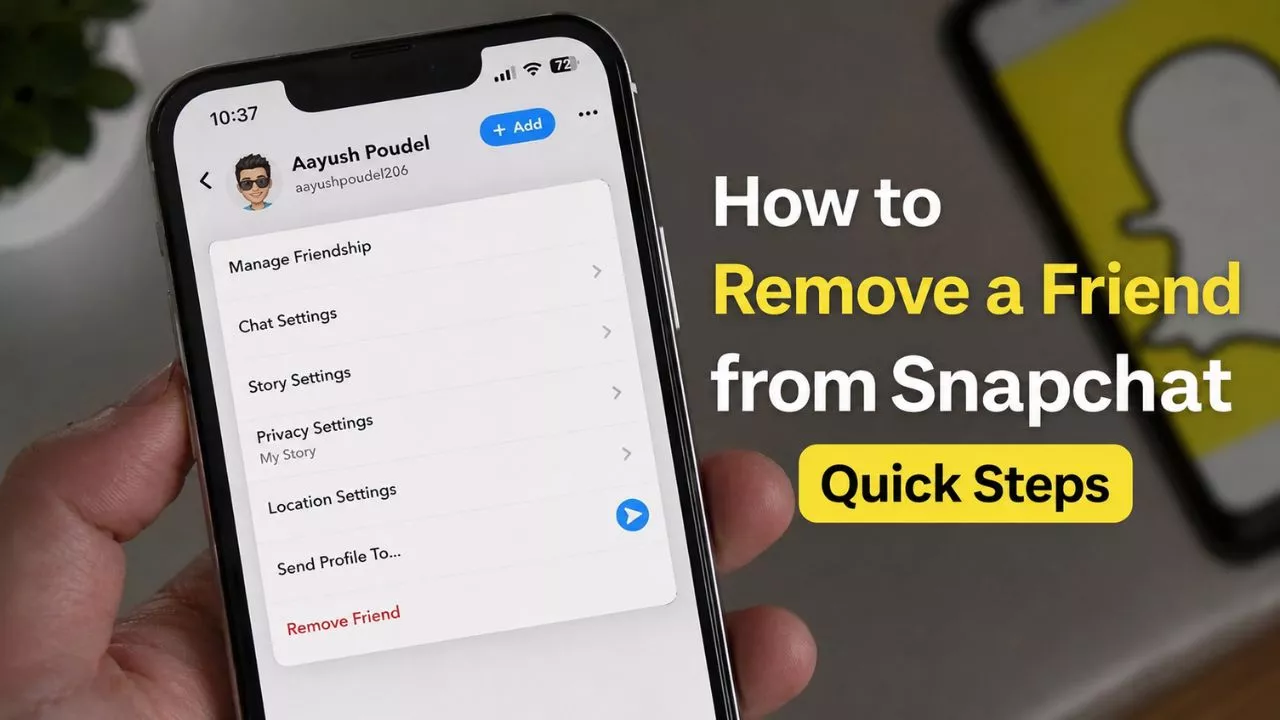
Read Also – How to Remove a Friend from Snapchat Quick Steps
How to Add Someone Again After Unblocking
After you unblock someone, you can easily send them a new friend request.
Open Snapchat and use the search bar to find their username or display name. When their profile appears, tap Add Friend.
If they accept your request, you’ll be able to send Snaps, messages, and interact with them again.
Remember that everyone has their own comfort level. If the other person doesn’t accept your request right away, it’s best to respect their decision.
Conclusion
Learning how to unblock someone on Snapchat is simple and only takes a few minutes. Whether you blocked someone by mistake or you’re ready to reconnect after some time apart, Snapchat gives you the option to change your decision whenever you want.
Just remember that unblocking doesn’t automatically restore your friendship or previous chats. If you want to reconnect, sending a respectful friend request is the best next step.
By following these steps, you can unblock someone confidently and continue using Snapchat in a way that feels comfortable and safe.
FAQs
Q1. Does Snapchat notify someone when I unblock them?
No. Snapchat does not normally send a notification when you unblock someone.
Q2. Do I need to add someone again after unblocking?
Yes. In most cases, you’ll need to send a new friend request before you can interact with them again.
Q3. Will my old Snap Streak return after unblocking?
No. Lost Snap Streaks usually do not return automatically after unblocking someone.
Q4. Can I block the same person again later?
Yes. Snapchat allows you to block or unblock someone whenever you need to.