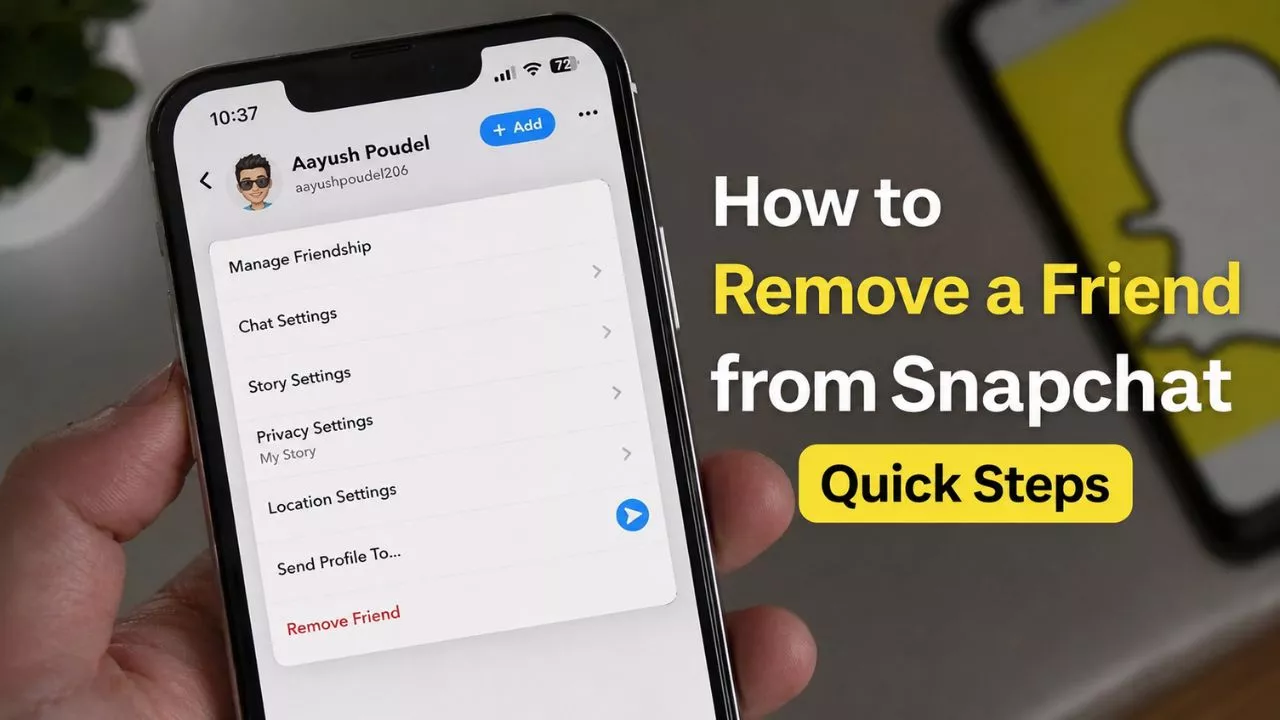


Snapchat has become one of the most popular messaging apps in the world. Every day, millions of users send photos, videos, voice notes, and text messages to their friends. As conversations continue over weeks and months, the Chat section can become crowded with old chats that are no longer useful.
This is one of the main reasons people search for How to Clear Chat in Snapchat. Sometimes users want a cleaner chat list, while others want to remove old conversations for privacy reasons. Many people also clear chats simply because they like keeping their Snapchat account organized.
The good news is that Snapchat makes this process very simple. You can remove conversations from your Chat feed without deleting friends, blocking users, or affecting your account. However, before using the feature, it’s important to understand exactly what happens when you clear a chat.
Many users believe that clearing a conversation permanently deletes all messages or removes the other person from their account. In reality, Snapchat’s Clear Chat feature works differently. Understanding how it works can help you avoid confusion and use the feature correctly.
In this guide, you’ll learn how to clear chats in Snapchat, what happens afterward, common mistakes to avoid, and several useful tips that can help you manage your conversations more effectively.
Table of Contents
What Does Clear Chat Mean on Snapchat?
Before clearing a conversation, it’s important to understand what the feature actually does.
When you clear a chat, Snapchat removes that conversation from your Chat feed. This helps clean up your chat list and makes it easier to find active conversations. If you’ve been using Snapchat for a long time, your Chat section may contain dozens of old conversations that are no longer relevant. Clearing them can make the app feel much more organized.
However, clearing a chat does not remove the person from your friends list. You can still send messages, receive Snaps, and interact with them normally after clearing the conversation.
Another important thing to know is that clearing a chat is not the same as deleting messages. The conversation may disappear from your Chat screen, but that doesn’t necessarily mean every message has been permanently erased from Snapchat.
Think of it like removing a shortcut from your desktop. The shortcut disappears, but the actual file may still exist somewhere else. Similarly, clearing a chat mainly removes the conversation from your visible Chat feed.
Because of this, users should understand the feature before using it. Knowing exactly what happens helps avoid misunderstandings later.
Read Also – How to Get Black Background on Snapchat (Quick & Easy Method)
Why Do People Clear Chats on Snapchat?
Different users have different reasons for clearing conversations.
One of the biggest reasons is organization. Over time, your chat list can become crowded with inactive conversations. Old chats can make it difficult to locate important messages from close friends or family members. Clearing unnecessary conversations helps keep everything neat and organized.
Privacy is another common reason. Many people don’t want old conversations sitting on their screen where they can easily be seen by others. While Snapchat is generally private, some users still prefer keeping their Chat feed clean.
Others simply enjoy maintaining a tidy account. Just like people organize their email inboxes or delete old photos from their phones, many Snapchat users regularly remove inactive conversations.
Another reason is convenience. When your chat list contains fewer conversations, finding active chats becomes much faster. Instead of scrolling through dozens of old messages, you can quickly access the conversations that matter most.
No matter the reason, clearing chats can make Snapchat feel cleaner and easier to use.
Read Also – How to Turn on Dark Mode in Snapchat (Enable It in Seconds)
How to Clear Chat in Snapchat
If you’re ready to remove a conversation from your Chat feed, follow these simple steps.

Step 1: Open Snapchat
Launch the Snapchat app on your Android or iPhone device.
Make sure you’re signed in to the account where you want to clear conversations.
Step 2: Open Your Profile
Tap your Bitmoji or profile icon located in the upper-left corner of the screen.
This will open your Snapchat profile page.
Step 3: Access Settings
Look for the gear-shaped icon in the upper-right corner.
Tap it to open Snapchat Settings.
Step 4: Find the Clear Conversations Option
Scroll down through the settings menu until you locate the Clear Conversations option.
Tap on it to continue.
Step 5: Select the Conversation
Snapchat will display a list of recent conversations connected to your account.
Find the chat you want to remove.
Step 6: Tap the X Icon
Next to each conversation, you’ll see an X icon.
Tap the icon beside the chat you want to clear.
Step 7: Confirm Your Choice
Snapchat may ask you to confirm the action.
Tap Clear and the conversation will disappear from your Chat feed.
The process only takes a few seconds and can be repeated for multiple conversations if needed.
What Happens After You Clear a Chat?
Many users hesitate to use the feature because they’re unsure what happens afterward.
Fortunately, clearing a chat is much less dramatic than many people think.
First, the conversation disappears from your Chat feed. This is the primary purpose of the feature.
Second, the other person is not notified. Snapchat does not send alerts when someone clears a conversation.
Third, your friendship remains unchanged. The person stays on your friends list exactly as before.
Fourth, if that person sends you a new Snap or message, the conversation will automatically reappear in your Chat feed.
This is why clearing a chat should be viewed as a cleanup tool rather than a way to permanently remove communication history.
Clear Chat vs Delete Messages: What’s the Difference?
Many Snapchat users confuse these two features.
Clearing a chat removes the conversation from your Chat list. It helps organize your inbox but doesn’t necessarily remove individual messages.
Deleting a message is different. This action targets specific messages within a conversation rather than removing the conversation itself.
For example, if you accidentally send a message, you may choose to delete that particular message. On the other hand, if you simply want a cleaner Chat feed, clearing the entire conversation may be the better option.
Understanding the difference helps you choose the correct feature for your situation.
Common Mistakes You Should Avoid
Many Snapchat users make small mistakes when using the Clear Chat feature.
One common mistake is assuming that clearing a conversation removes the person from their friends list. It does not.
Another mistake is believing that the other person will receive a notification. Snapchat does not notify users when a chat is cleared.
Some users also think that clearing a chat permanently deletes every message connected to that conversation. In reality, the feature mainly removes the conversation from your Chat feed.
Another mistake is clearing important conversations without thinking first. If a conversation contains information you may need later, consider saving important messages before clearing the chat.
Taking a few moments to understand the feature can prevent unnecessary confusion.
Benefits of Clearing Chats Regularly
There are several advantages to occasionally clearing old conversations.
A cleaner Chat feed is easier to navigate.
Important conversations become easier to find.
Your Snapchat account feels more organized.
Old and inactive chats no longer clutter your screen.
Many users also feel more comfortable knowing their Chat feed contains only relevant conversations.
While clearing chats isn’t necessary, it can improve the overall Snapchat experience for people who prefer a more organized account.
Conclusion
Learning how to clear chat in Snapchat is simple and can help keep your account organized. Whether you’re trying to reduce clutter, improve privacy, or make your Chat feed easier to manage, Snapchat provides an easy way to remove conversations without affecting your friendships.
The feature only takes a few seconds to use and doesn’t notify the other person. More importantly, it allows you to maintain a cleaner and more organized Snapchat experience.
If your Chat feed feels crowded with old conversations, clearing unnecessary chats can be a quick and effective solution.
FAQs
Q1. Does clearing a chat delete messages permanently?
No. Clearing a chat mainly removes the conversation from your Chat feed.
Q.2 Does clearing a chat remove a friend?
No. The person remains on your friends list.
Q.3 Can a cleared conversation come back?
Yes. If the person sends you a new message or Snap, the conversation will appear again.